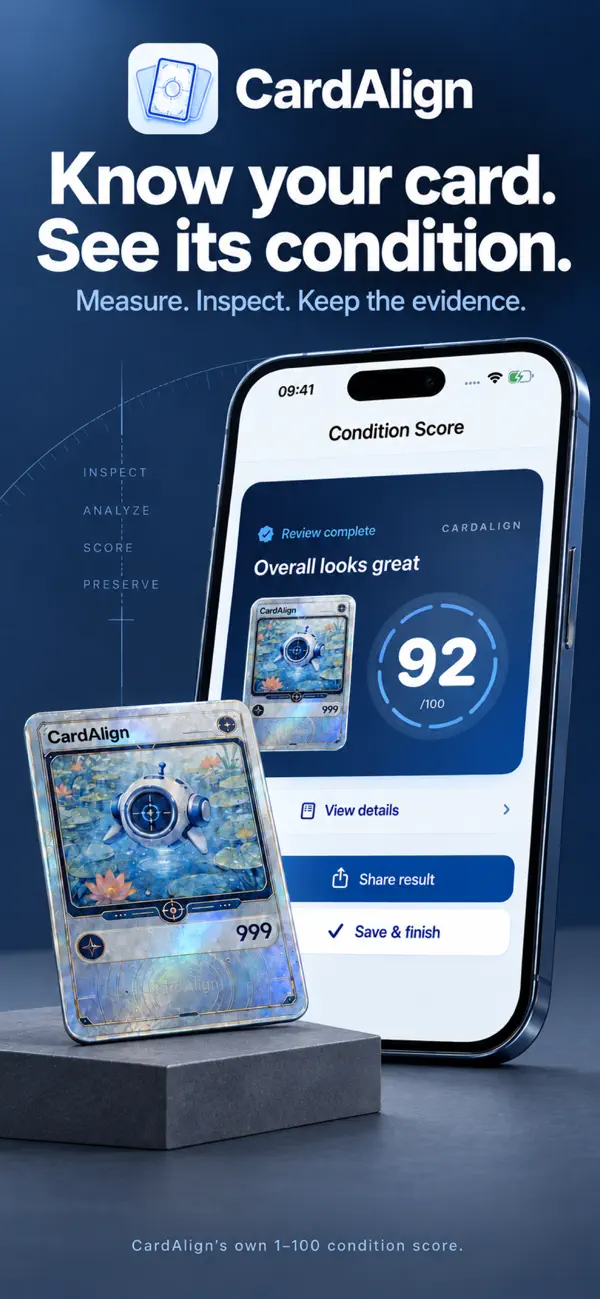
01 / THE BIG PICTURE
A score you can revisit.
Review your CardAlign condition score alongside the evidence behind it.
 CardAlign
FOR THE CARDS YOU CARE ABOUT
CardAlign is an iPhone app for trading card centering and condition review. Check both sides, confirm visible details, and keep a 1–100 condition score using CardAlign’s own criteria.
Go to the App StoreYour browser could not play this video. Open the video directly.
MADE FOR YOUR COLLECTION
A measurement is a starting point. CardAlign brings both sides, the details you confirm, and your condition records together.
01 / THE BIG PICTURE
Review your CardAlign condition score alongside the evidence behind it.
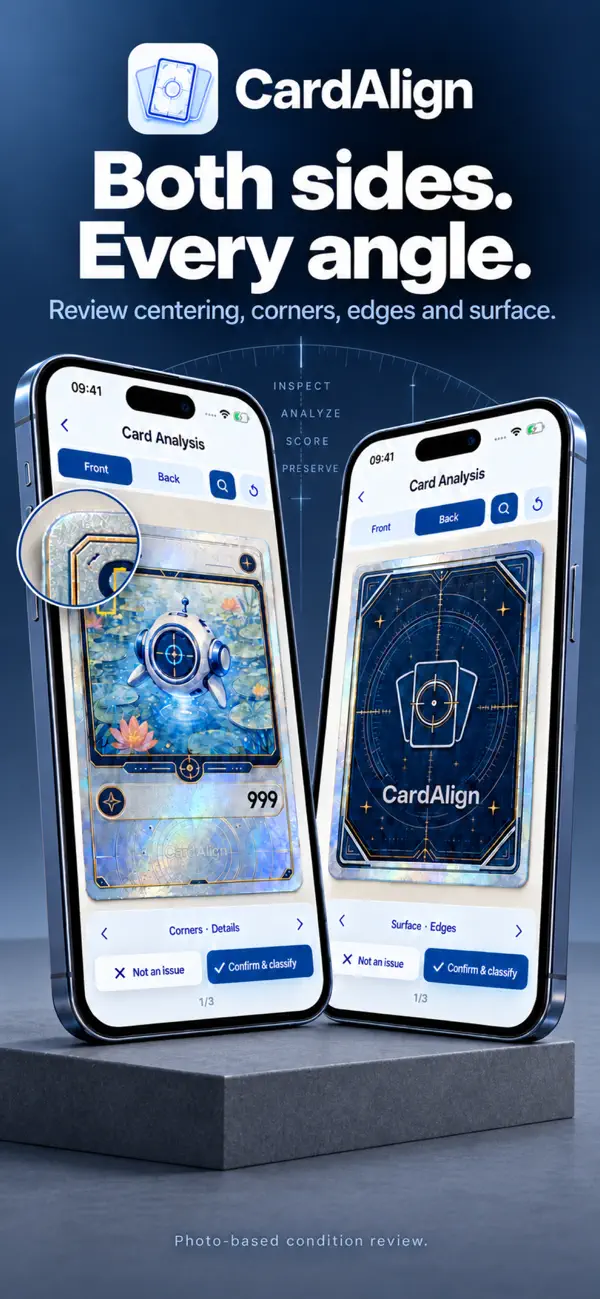
02 / A BETTER START
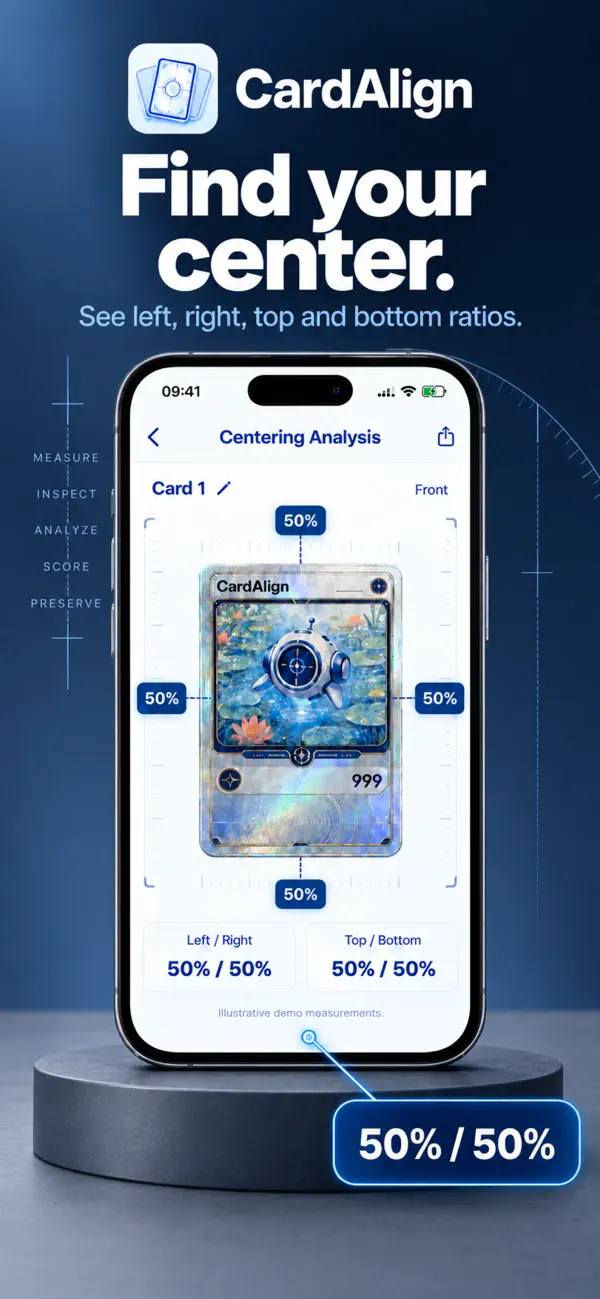
Capture or import photos. Check the frame and compare horizontal and vertical centering.
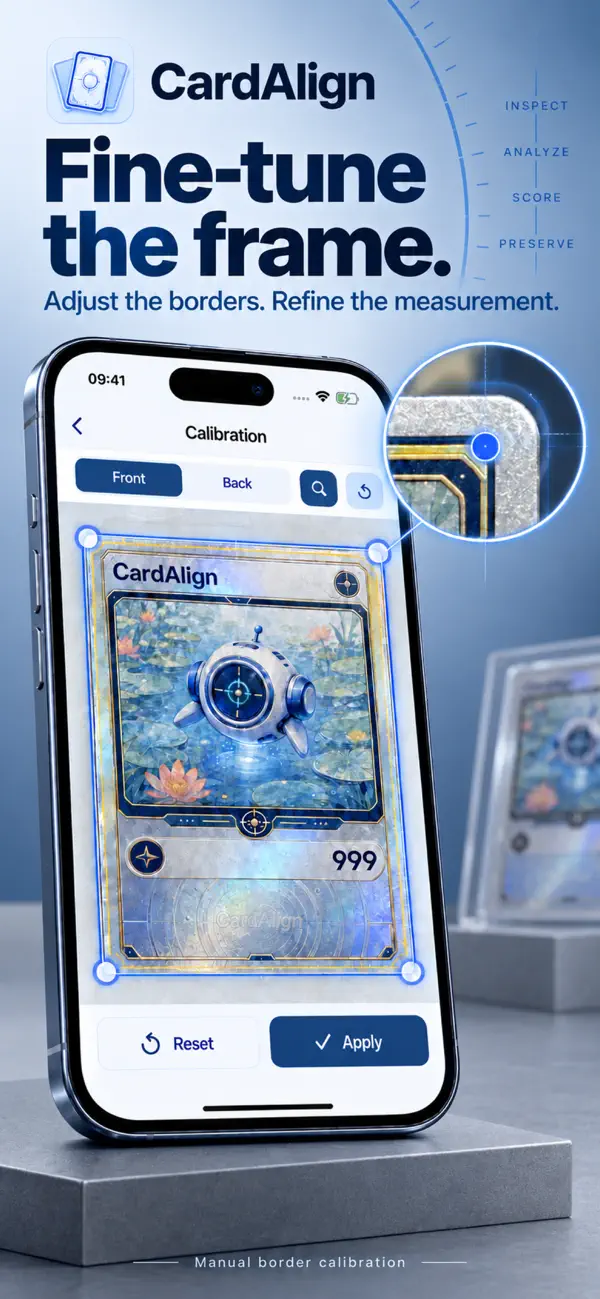
03 / THE SMALL DETAILS
On-device AI highlights candidate areas. Inspect, confirm, or dismiss each finding.
04 / YOUR COLLECTION
Save card profiles and share image or PDF reports, with the detail worth remembering.
FROM PHOTO TO RECORD
Photograph or import both sides. Confirm the borders and adjust perspective when needed.
Review Centering, Corners, Edges, and Surface. Use magnification to confirm the visible evidence.
Keep the 1–100 score with your card profile. Return to your findings and share your report.
THE CARDALIGN CONDITION SCORE
A 1–100 condition score based on CardAlign’s own scoring criteria and the visible evidence you confirm. Keep the detail behind your decisions.
Not official grading, authentication, valuation, or a guaranteed outcome. Photos cannot reveal every defect; a score does not replace an in-person inspection.
Four dimensions. One considered record.
On-device identity suggestions for supported Simplified Chinese, English, and Japanese Pokémon TCG cards. Check the name, set, and collector number before confirming.
A suggestion, not proof of identity or authenticity. Coverage varies; you can correct a match or leave the card unidentified.It is a 1–100 condition score using CardAlign’s own criteria across centering, corners, edges, and surface, based on visible evidence you confirm. It is not an official grade or a conversion to any grading company’s scale.
No. On-device AI suggests candidate areas for review. You inspect the photos and confirm, classify, or exclude those findings. A photo may miss defects, so an unmarked area is not proof that a card is free of damage.
CardAlign is available for iPhone with iOS 17 or later, in English, Simplified Chinese, Traditional Chinese, and Japanese. Android is not available yet.
No. Complete condition reviews use one-time credit packs of 10, 30, or 100 reviews, with no auto-renewal. See current prices in the app.
No CardAlign account is required. Keep your collection on your device, and export or restore a local archive when you need to move it.
Local-first storage still uses a network connection for some features. Photo features require acceptance of the current terms and privacy policy; images and related assessment data are then uploaded and retained for results, evidence integrity, security, and support. Photo features are for ages 14 and up.
Export your full local archive and merge it on another device. Exported backups are not encrypted, so choose a trusted place to keep them.
YOUR NEXT CARD STARTS HERE
A little more understanding, for every card in your collection.
iOS 17 or later · No subscription